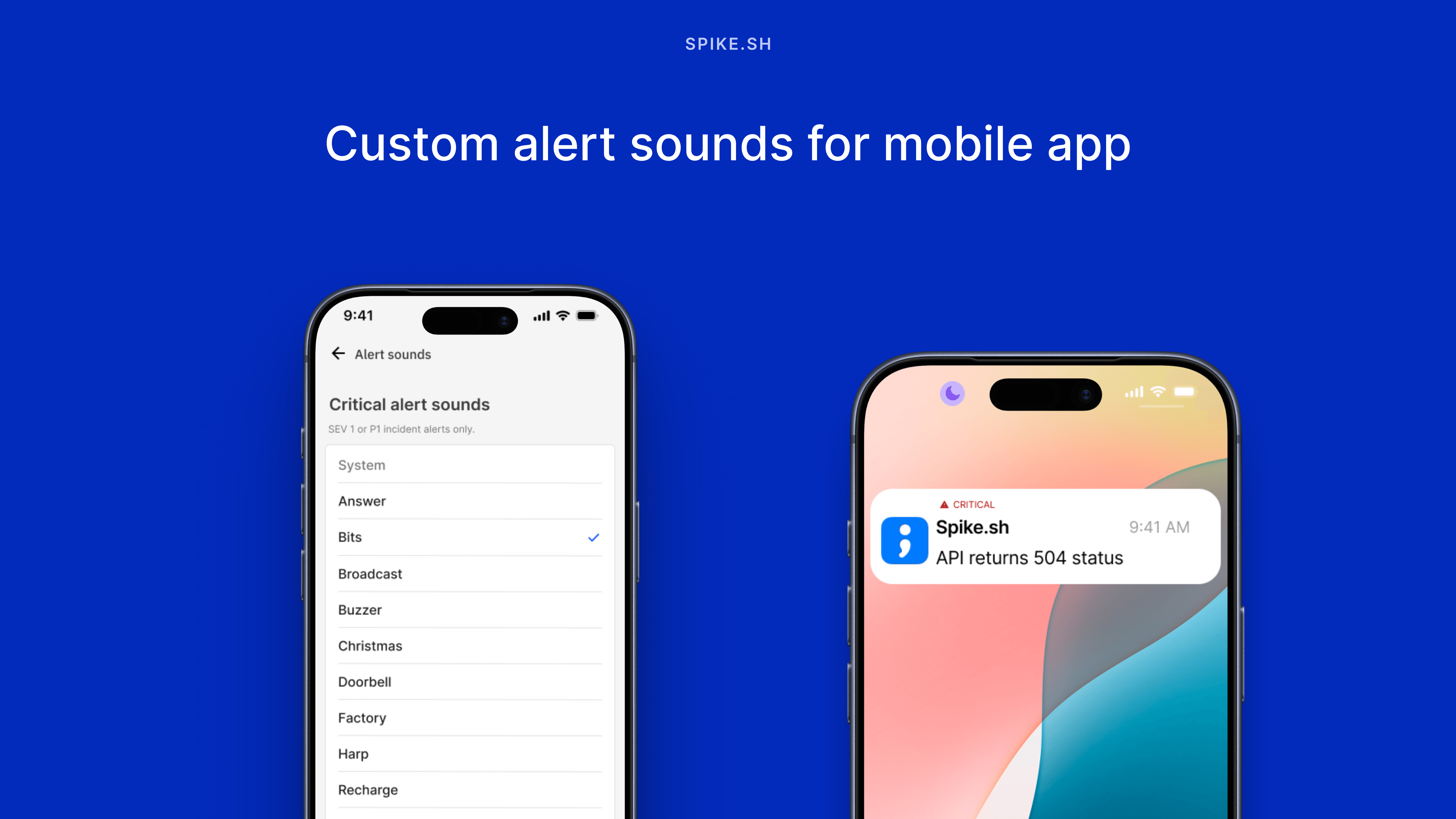
You can now choose from 15 different ringtones for your mobile app alerts.
There's a ringtone for every notification type. Loud ones for critical incidents, subtle ones for low-priority issues, and quick reminders for resolve notifications.
This means you can instantly tell if you need to drop everything or it's just a heads-up.
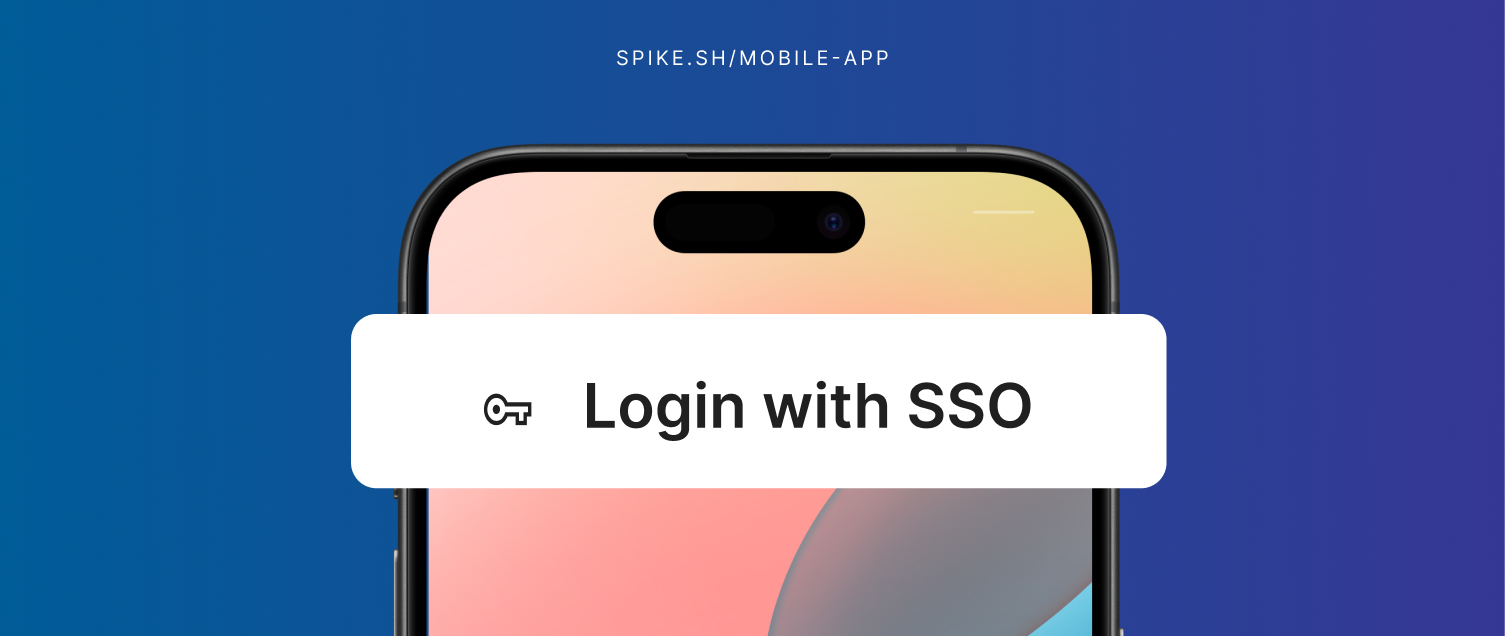
You can now sign in to our mobile app using your company's SSO with SAML.
This removes friction for teams using enterprise identity providers. If you can log into Okta or your company's SSO system, you can log into Spike too.
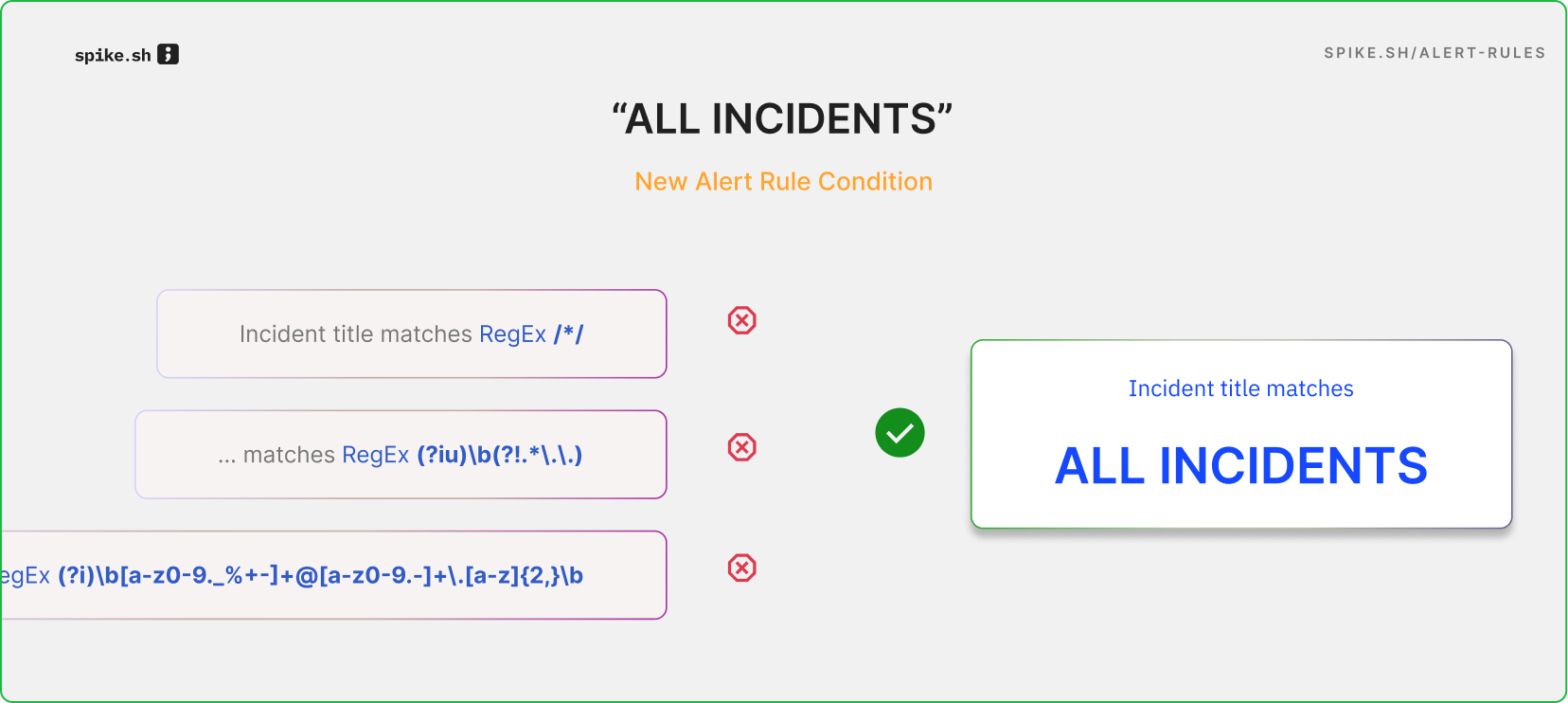
You can now apply actions to all incidents with the new "Apply to all incidents" condition in Alert Rules.
Previously, you had to use regex patterns like "incident title starts with /*/" to target all incidents. Now, just select "Apply to all incidents" and you're done.
This condition works for specific integrations and services too. For example, set all Datadog incidents to Sev1, or add resolve timers to all incidents from your payment service.
It’s a simpler, more convenient way to manage your incidents.
We’ve added a new way to automatically resolve incidents: Resolve Timer. Incidents now close on their own after a set time, which keeps dashboards clear of stale incidents and prevents old incidents from suppressing new alerts. Resolve Timer is available on all Spike plans starting today.
You can apply Resolve Timer in:
Directly on integrations — for all incidents triggering on an integration
Alert Rules — only for alerts that match certain conditions
It now auto-resolves incidents when the underlying issues clear up, so you won't see stale alerts cluttering your dashboard.
Also, incident titles are more descriptive and easier to understand at a glance.
This helps you better manage alerts from PRTG’s powerful monitoring of your entire IT infrastructure—including networks, servers, bandwidth, data centers, and more.