Enable/Disable integrations

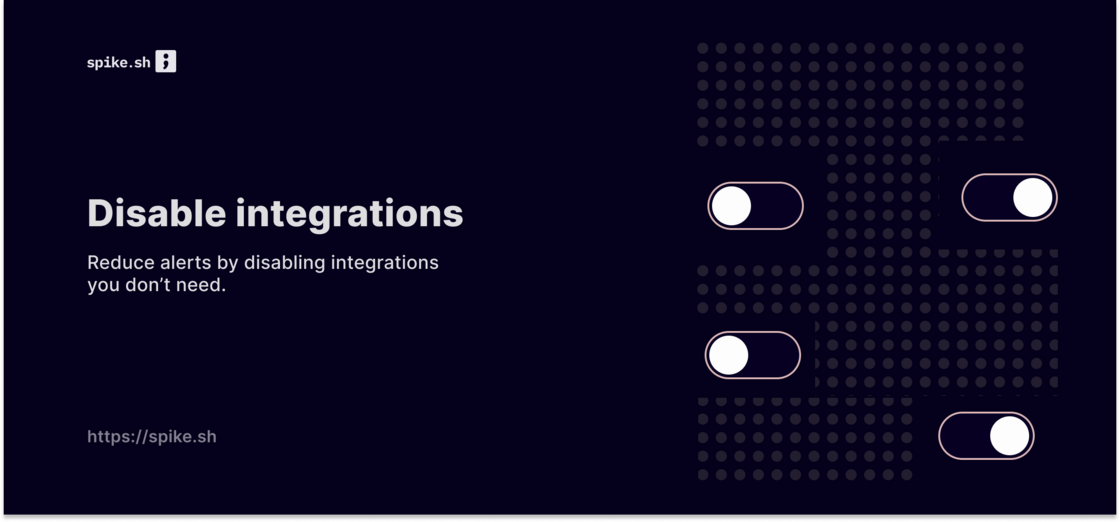
We hate it when there are just far too many alerts from an integration with a lower severity and lower priority as well.
Disabling an integration helps you reduce incident and alert noise!

We hate it when there are just far too many alerts from an integration with a lower severity and lower priority as well.
Disabling an integration helps you reduce incident and alert noise!

With advanced access control, admins can easily organise permissions and access to manage their teams efficiently. You can now also grant and revoke access to the status page and incident management separately.

Design and build your own branded status pages. You can choose to add your own headers, match colors, and customise the footer to match your brand.
Set up themes - status page dashboard > Themes.
Some example status pages built with our new themes:

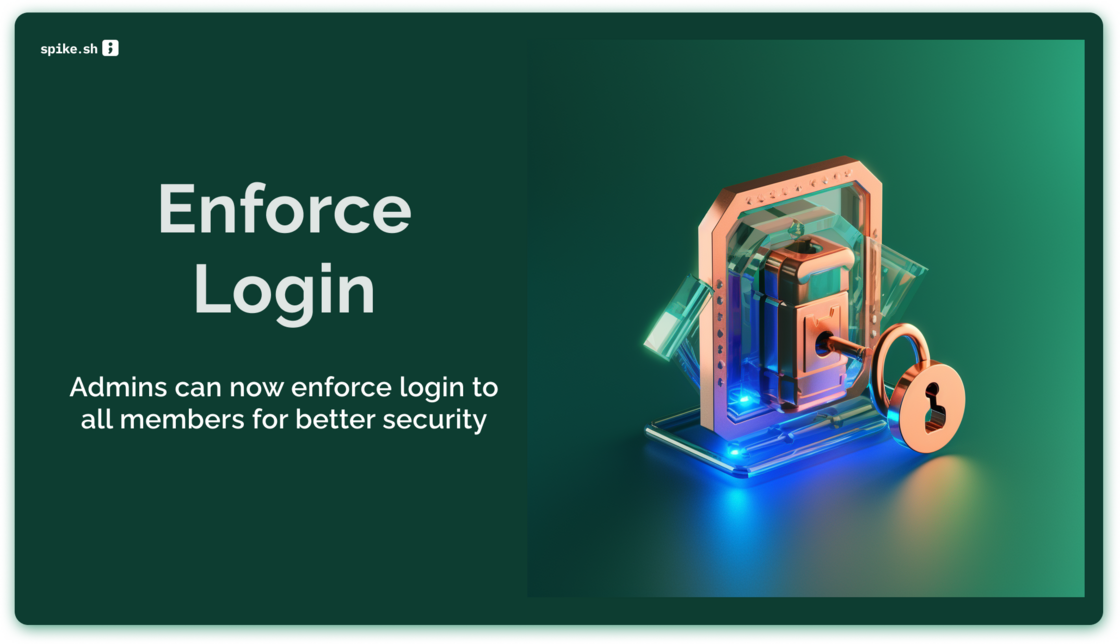
We are rolling out a requested feature - Enforced login. For better security and compliance, enable it with a single click and Spike will take your members to select the right login method seamlessly.
Enforced login via Google
or SSO SAML with your choice of IdP

Connect your helpdesk and get incident alerts directly via a support ticket. This means your support team stays informed about ongoing incidents and can work collaboratively with the incident management team to resolve issues faster.
No more frantic searching for incident updates in multiple places! This integration enables your support team to track the status of incidents in real-time, without leaving their help desk software. Plus, it helps maintain complete transparency with your customers.

With the new search feature, you can hit Command + K to bring up the search box from anywhere on the platform. From there, you can search for incidents, escalations, and on-call schedules, or directly navigate to change your alert settings, connect to JIRA, and more. It's like having a control centre for incident management right at your fingertips!
We've designed the search feature to be fast, accurate, and easy to use. It's also fully integrated with our incident management platform, so you can quickly take action on search results without navigating to different pages or tabs.

Head over to your escalation policies and set a Wait time.
This will enable you to wait for 'x' minutes before alerts begin. Wait time is especially catered towards users who see incidents automatically resolving on it's own every often.
Why get an alert if an incident you know will auto-resolve in 5 mins? That's where wait time comes in :)
You maybe noticed we were working on this - https://hub.spike.sh/10

The new Zabbix integration allows you to monitor all your infra and get alerts directly on Spike.sh.
Thanks for sending in all the requests for this integration :)

The new access control and custom roels allow admins and managers alike to fine-tune controls for their teams. Enable larger teams to manage their incidents with ease.
Visit your Organisation settings > Team to get started.

Sparkling new Reports are here.
We built our new reports from the ground up. The new engine is radically optimized empowering you to measure and see if you are doing better over time.
With our new reports, you will be able to answer these types of questions -
Our reports are still in beta. We have got the engine running now so feel free to write to [email protected] with requests and feedback.