Changelog
All new releases and improvements to Spike
Compare numbers in Alert Rules
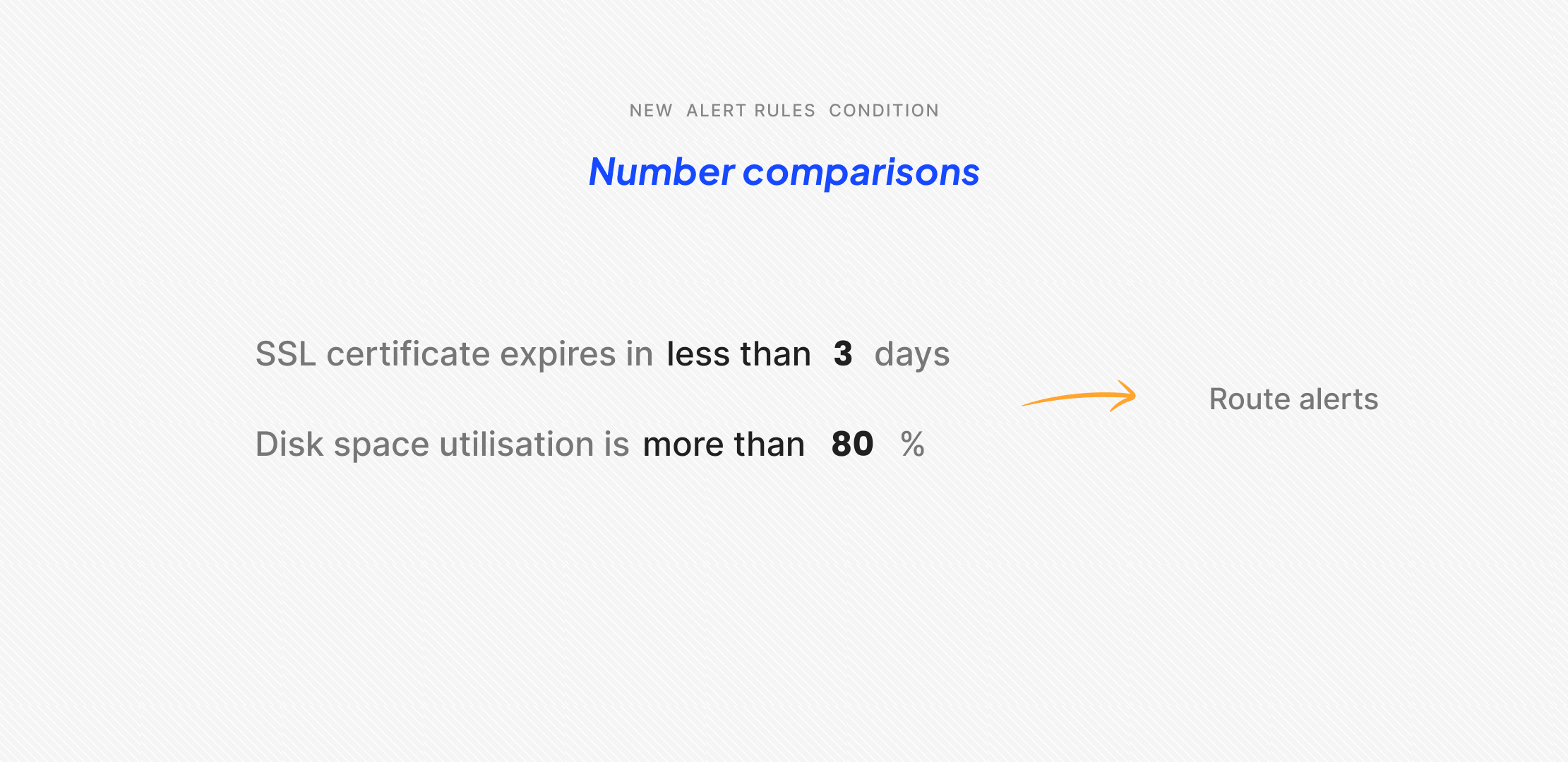
Alert Rules now support number comparisons under the Incident details condition.
You can choose from:
- Greater than
> - Less than
< - Greater than or equal to
>= - Less than or equal to
<=
With these, you can create rules like setting priority to P1 if the CPU usage percentage is greater than 80. Or load a specific escalation policy if the number of days until SSL expiry is less than 3.
These operators give you more precise control over incident automations. You can triage, route, and run playbooks based on numerical values without manual intervention.