Changelog

All new releases and improvements to Spike

Introducing a more flexible On-Call schedule

Today, we are introducing some new on-call features: Add Gaps to on-call, Scheduled Layers, Handoff Days, and more. Flexibility in on-call schedules has been the single focus point in this release.

Add Gaps to on-call
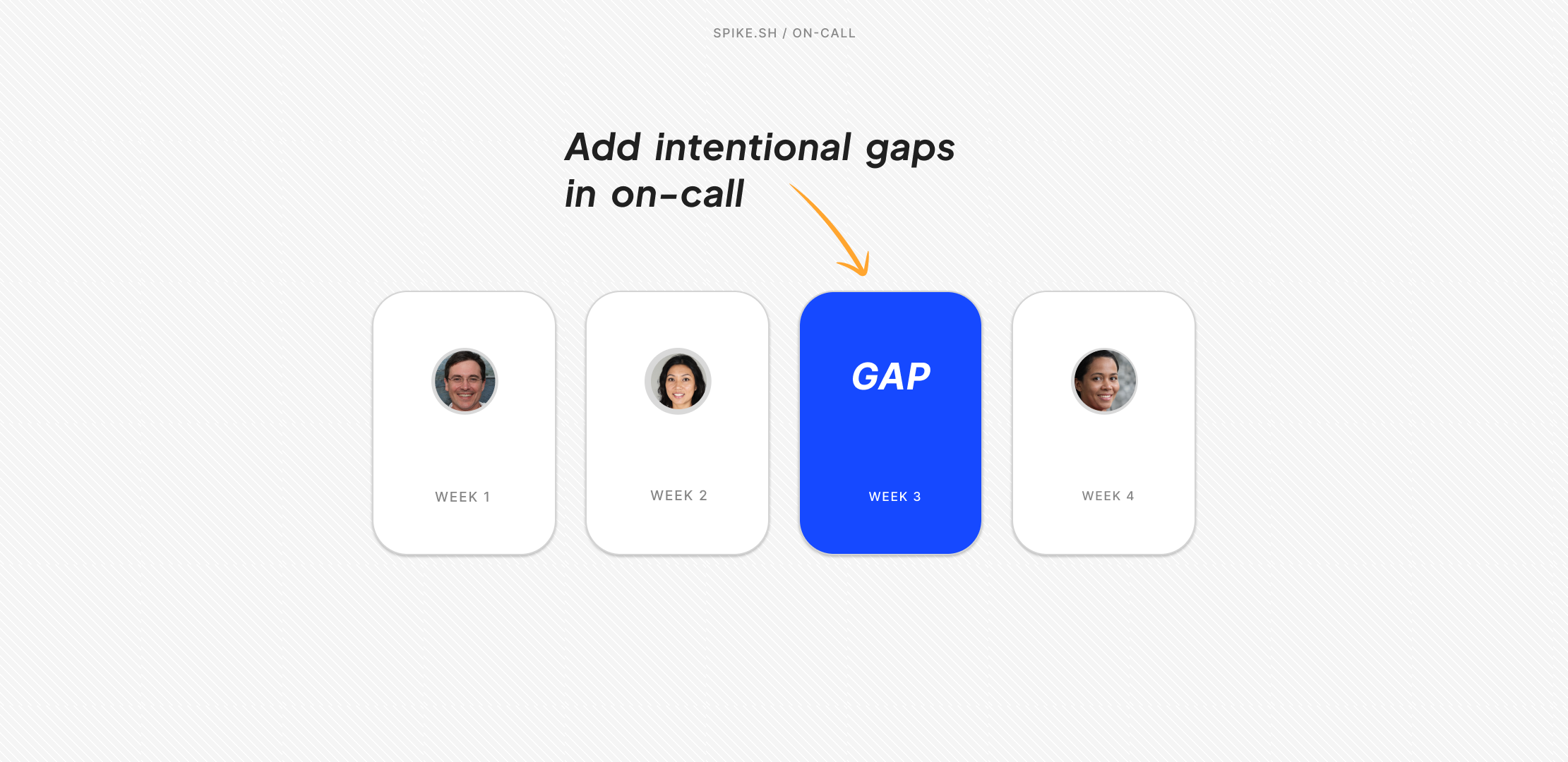
Gaps let you insert an empty slot into a rotation. When a gap occurs, the next layer automatically steps in.

For example, you can set up a daily rotation like: Person A → Gap → Person B

You can add as many gaps as you’d like.

Scheduled layers
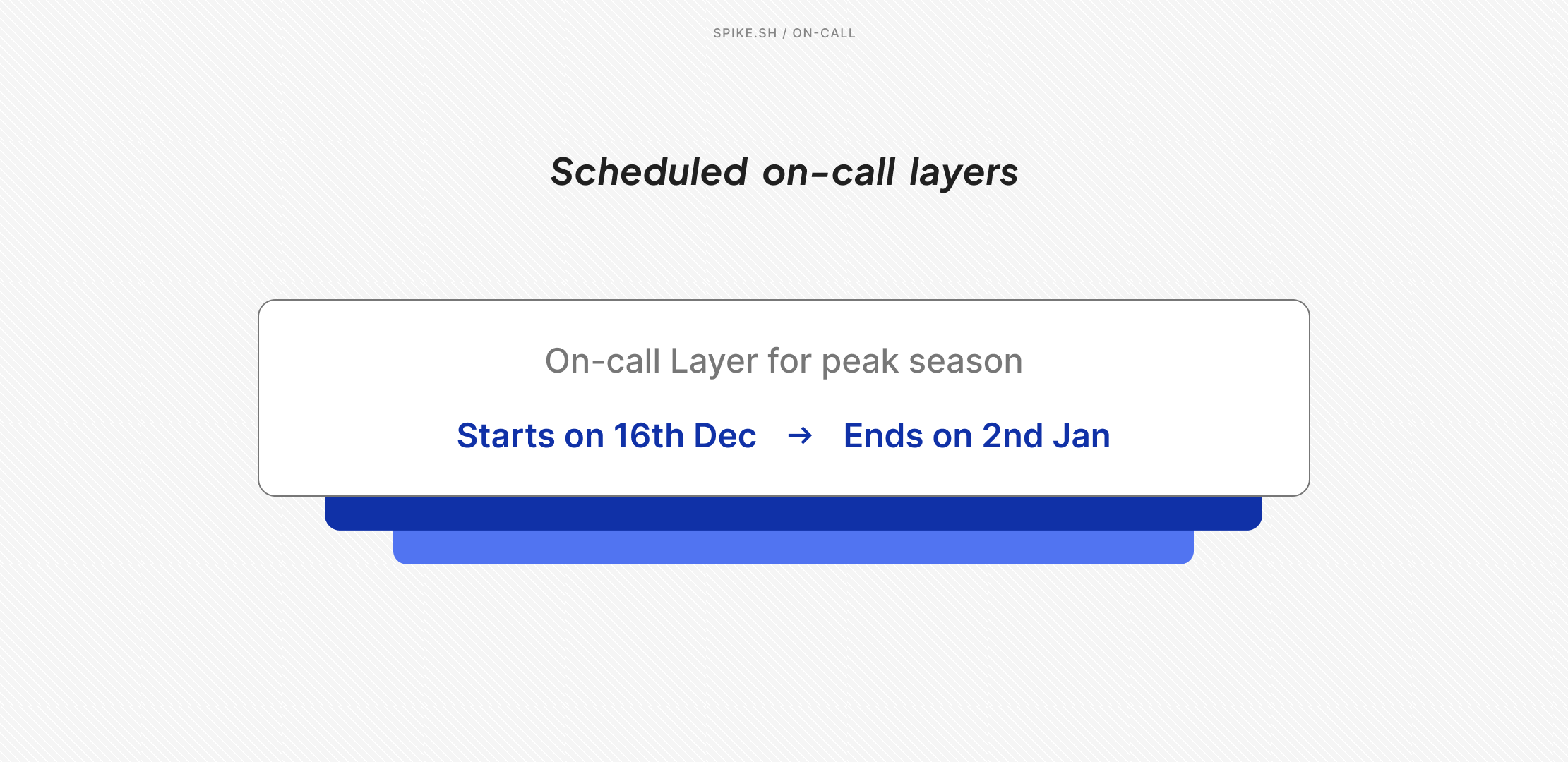
On-call Layers now support start and end dates.

If you need to set up holiday coverage now that automatically kicks in on December 25th and disappears after New Year's, then you can make that happen!

Every layer now has a "Set duration" option. Spike automatically activates the layer on the start date and deactivates it after the end date. No manual activation needed. Both start and end dates are optional.

Handoff days

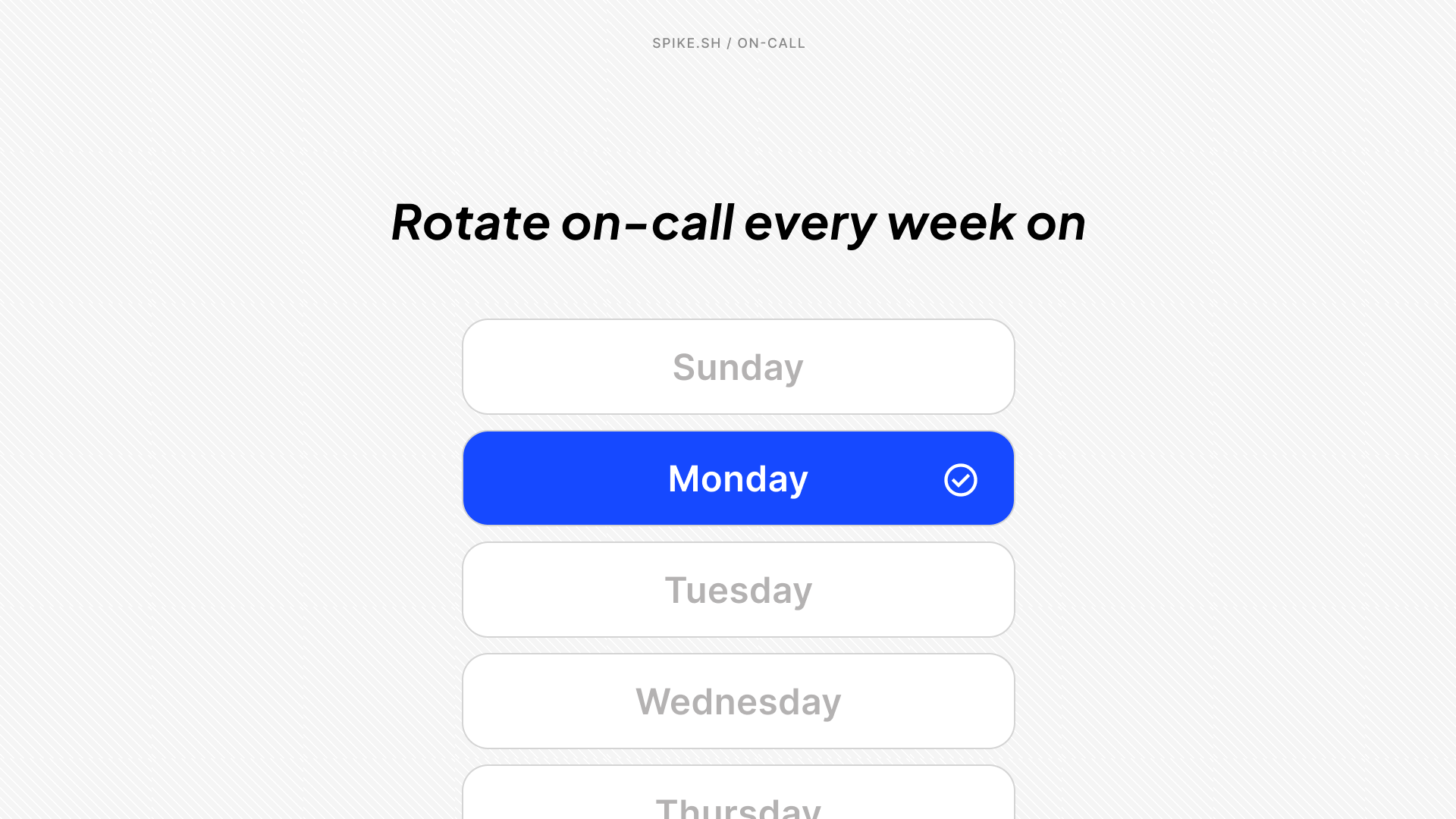
You can now choose which day of the week your on-call rotation should switch—every Monday, every Tuesday, and so on. This gives you control over when handoffs happen, instead of tying them to the day the schedule was originally created.

It’s backward compatible as well, so you can add handoff days to your existing schedule.

  • Ready-to-Use Schedule Templates: When creating a new layer, you'll see four pre-built templates: Weekday Layer, Weekend Layer, Night Shift, and Business Hours. Click one, and the time ranges and rotation patterns are already configured.
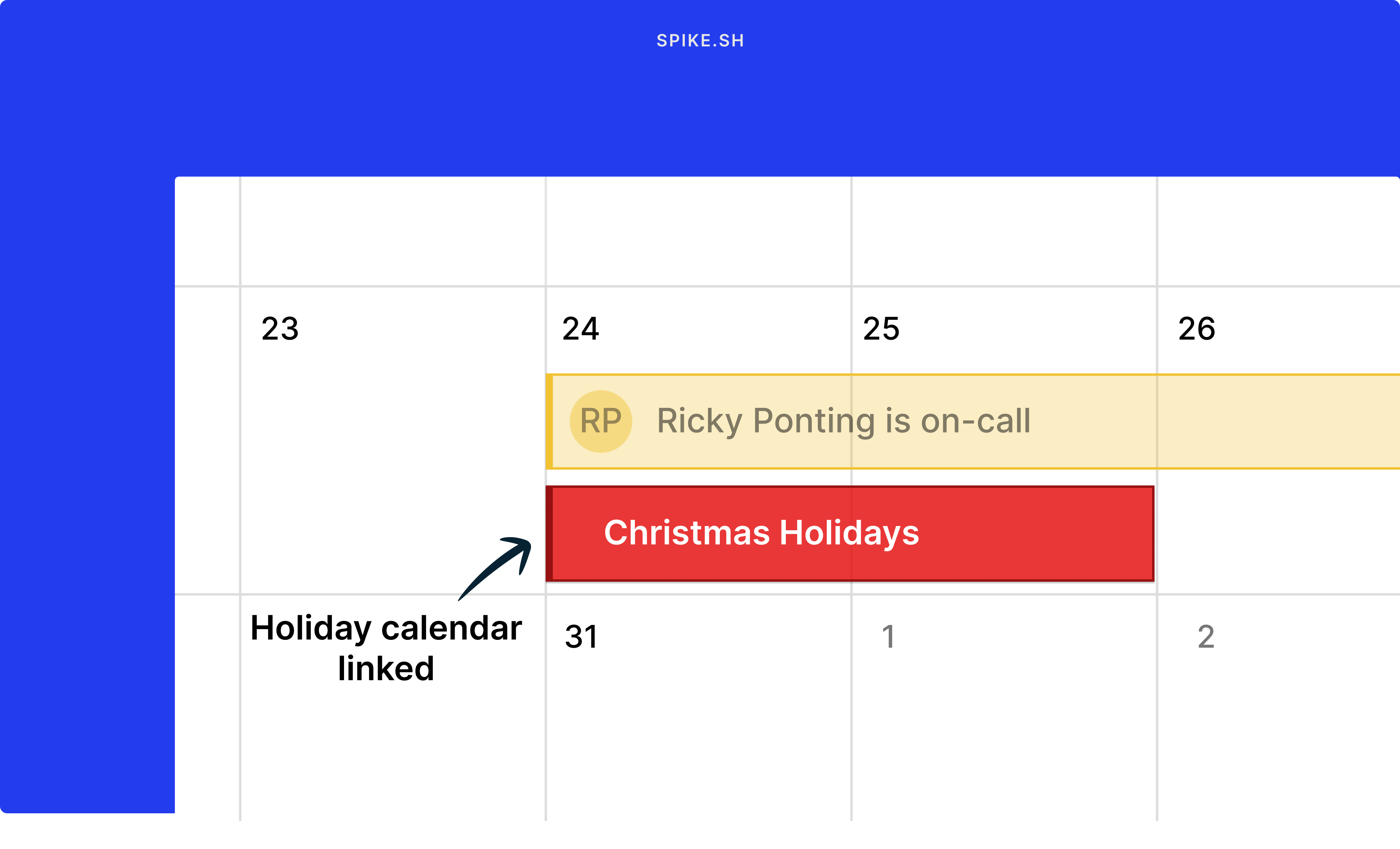
  • Holiday Calendar Integration: Add your company's holiday calendar to Spike, and holidays display directly on your on-call calendar. This gives you a visual reference while building schedules so you can spot conflicts early. There are plans to bring automation here. Please upvote on our roadmap.

Visit on-calls

Link external calendars with Spike's on-call

Linked calendars at Spike.sh

Plan better this holiday season 🎄

You can now link any external calendar like your company’s holiday list, personal calendar, or another team’s on-call schedule directly inside Spike.

Just paste your public calendar link and see everything in one view. Perfect for planning shifts around holidays, vacations, and regional breaks.

👉 Live now for all plans.

Learn more

MongoDB Atlas Integration

mongodb atlas

We’ve added a brand-new integration for MongoDB Atlas to automatically trigger incidents on Spike when alerts fire.

Key highlights:

  • Automatic incident creation – Incidents are triggered instantly from your MongoDB Atlas alerts.

  • Incident grouping – Related alerts are grouped into a single incident to reduce noise.

  • Alert suppression – Prevents duplicate alerts for ongoing incidents.

  • Auto-resolution – When the MongoDB Atlas alert state returns to OK, the incident is automatically marked as resolved on Spike.

This integration helps you monitor MongoDB clusters, performance metrics, and system health seamlessly without manual checks.

Learn more →

More options to sync On-call with your calendar

New on-call calendar sync options

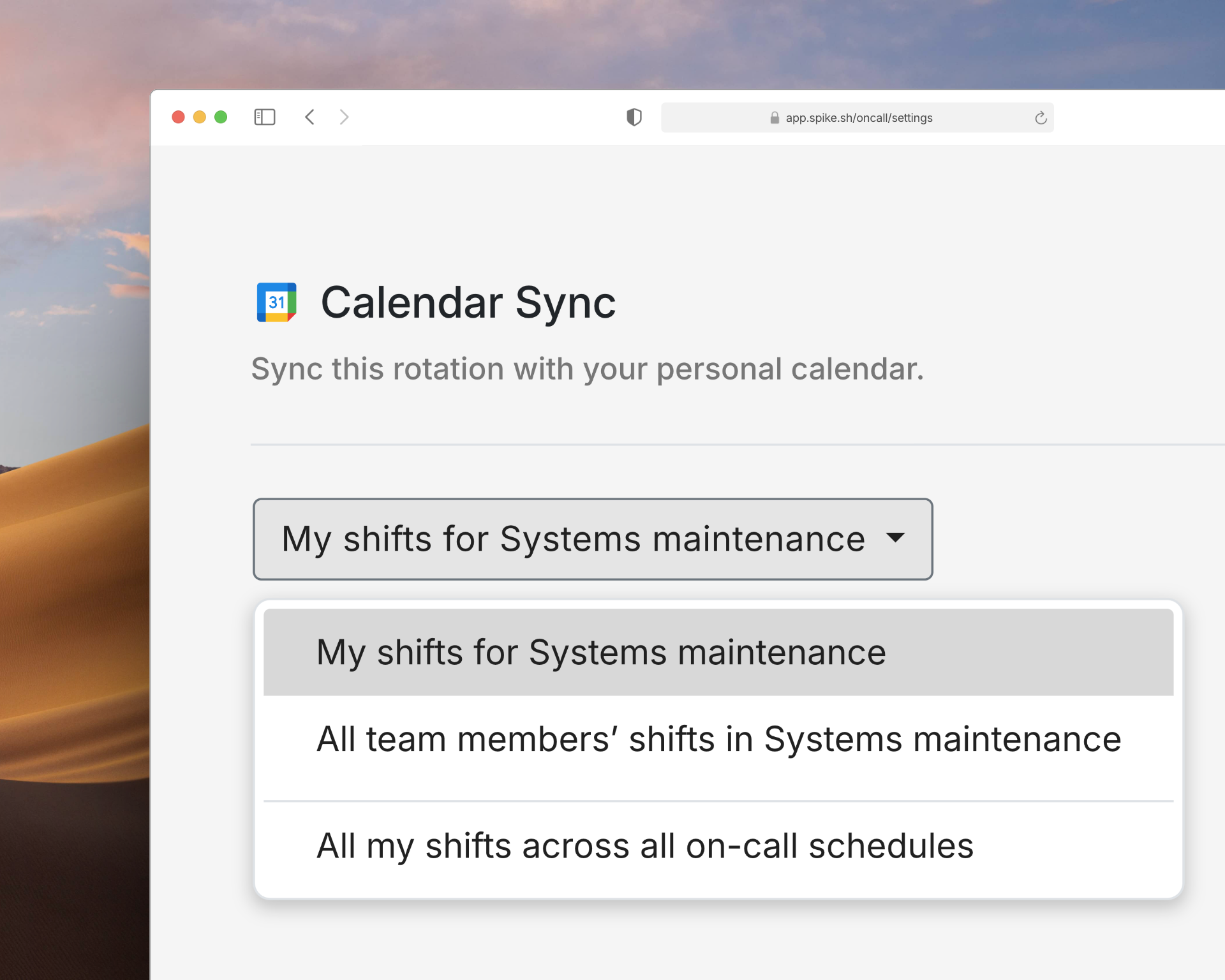
You now have more options for syncing on-call shifts with your calendar:

  • All your shifts across all schedules
  • Your shifts for one specific schedule
  • All team members' shifts in a schedule (useful for managers tracking their team)

You can also sync with any calendar with Spike's unique link. Documentation is available for Google Calendar, Apple Calendar, Outlook, and others.

These options give you better control over what shows up in your calendar, so you're not overwhelmed with shifts you don't need to track.

Calendar options in On-call settings

Custom sounds for Mobile App Alerts

custom ringtones for mobile app alerts

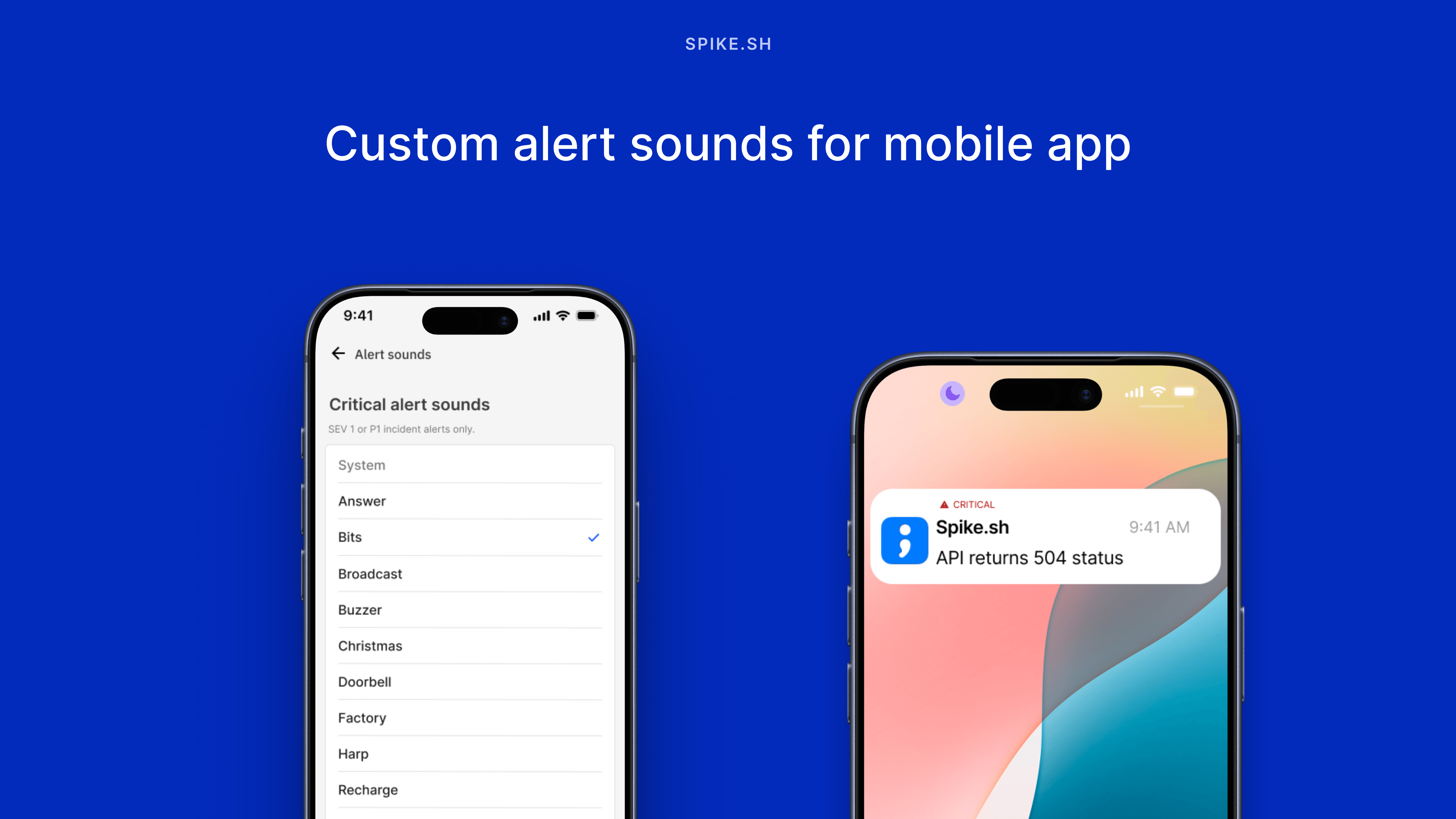
You can now choose from 15 different ringtones for your mobile app alerts.

There's a ringtone for every notification type. Loud ones for critical incidents, subtle ones for low-priority issues, and quick reminders for resolve notifications.

This means you can instantly tell if you need to drop everything or it's just a heads-up.

Get the Mobile App →

Apply to all incidents, A new Alert Rule condition

Apply to all incidents alert rule

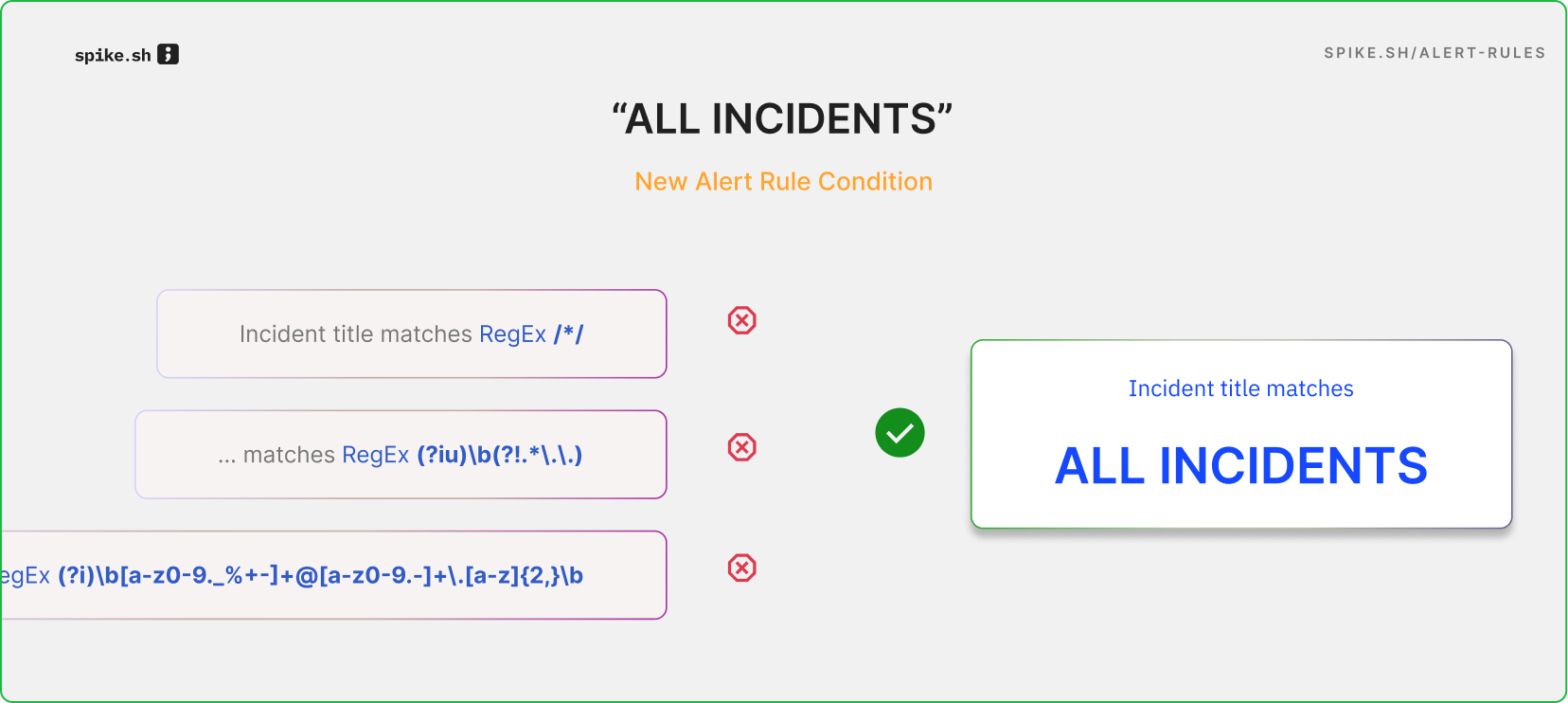
You can now apply actions to all incidents with the new "Apply to all incidents" condition in Alert Rules.

Previously, you had to use regex patterns like "incident title starts with /*/" to target all incidents. Now, just select "Apply to all incidents" and you're done.

This condition works for specific integrations and services too. For example, set all Datadog incidents to Sev1, or add resolve timers to all incidents from your payment service.

It’s a simpler, more convenient way to manage your incidents.

Introducing "Resolved by Timer"

Resolve Timer

We’ve added a new way to automatically resolve incidents: Resolve Timer. Incidents now close on their own after a set time, which keeps dashboards clear of stale incidents and prevents old incidents from suppressing new alerts. Resolve Timer is available on all Spike plans starting today.

You can apply Resolve Timer in:

  • Directly on integrations — for all incidents triggering on an integration

  • Alert Rules — only for alerts that match certain conditions

  • Playbooks — as part of your automation chain

Read the docs

Test your alert setup

test alerts

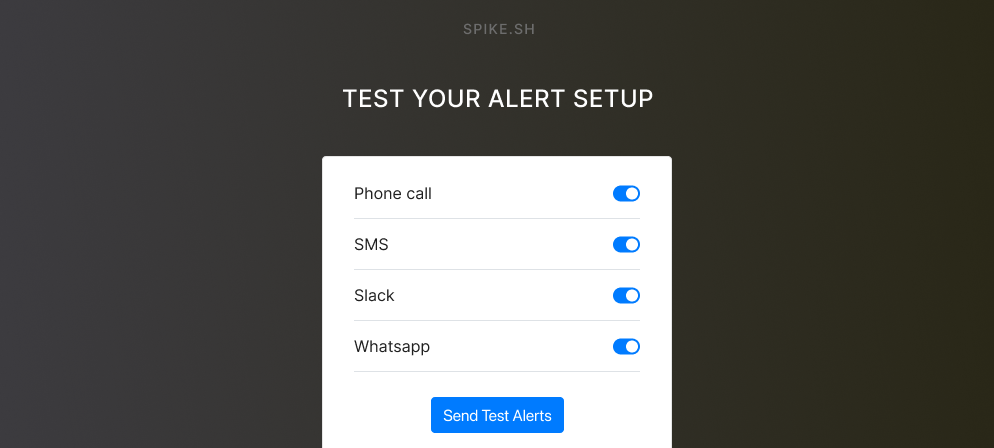
You can now test your alert channels instantly after setting them up.

Receive test alerts for phone calls, SMS, WhatsApp, Telegram, and Mobile app to make sure you are setup when incidents trigger.

Admins can test alert setups for other members as well.

You get 3 phone call and SMS tests per user per day.

Find it in Settings → Team → Send test alerts.

Test your alert setup →

You can now test your escalation policies with one click shortcut.

Just hit “Test Escalation” on any escalation policy to create an instant test incident and run through the entire escalation flow.

It’s an easy way to verify your rules and routing before a real incident occurs.

Test an escalation →

× Zoomed Image